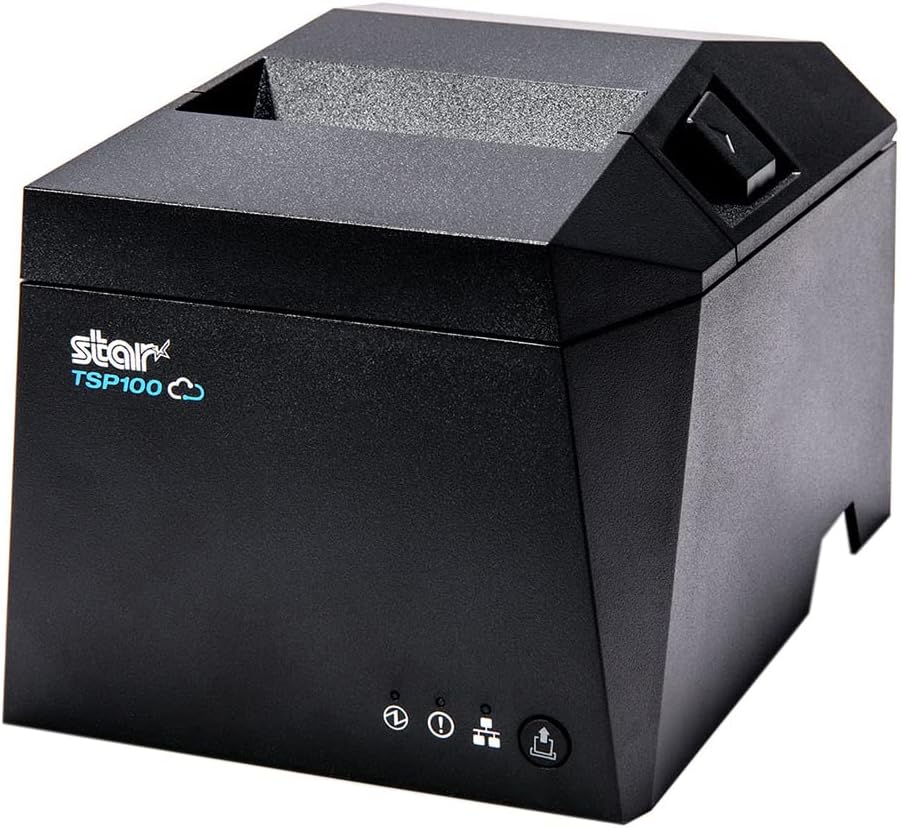
Star TSP143iV X4 Receipt Printer
VerifiedStar Micronics · TSP143iV X4
USB-C, Ethernet, Wi-Fi, and Bluetooth in one box. CloudPRNT built in — the printer Vinty drives directly, no PC in the middle.
Vinty runs in a browser, so you aren't locked into proprietary hardware. This is the gear we've actually tested with it — buy it from the supplier, or bring equipment you already own.
Standard USB and network hardware. If you already own a receipt printer or scanner, there's a good chance it just works.
These links go straight to the supplier. You pay what they charge — we're not in the hardware business.
Anything marked “Works with Vinty” has been run against the live app, not pulled off a spec sheet.
Star Micronics · TSP143iV X4
USB-C, Ethernet, Wi-Fi, and Bluetooth in one box. CloudPRNT built in — the printer Vinty drives directly, no PC in the middle.
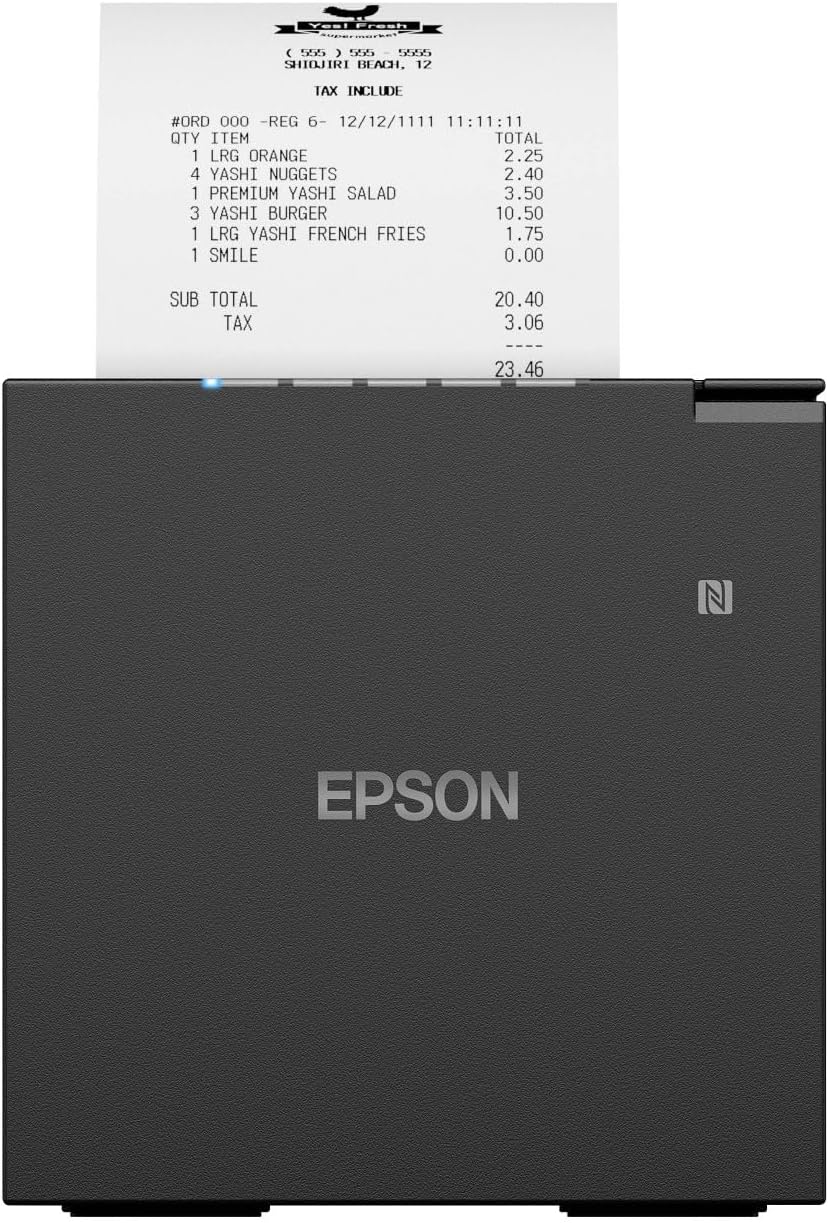
Epson · TM-m30III (C31CK50012) — USB / Ethernet, black
Compact 3" thermal receipt printer — USB + Ethernet
Epson's compact mPOS receipt printer. Connects to your network by Ethernet and prints Vinty receipts directly through Epson Server Direct Print — no bridge software, and it works from an iPad or any browser. Fits under a counter; front paper load; auto-cutter; cash drawer port.
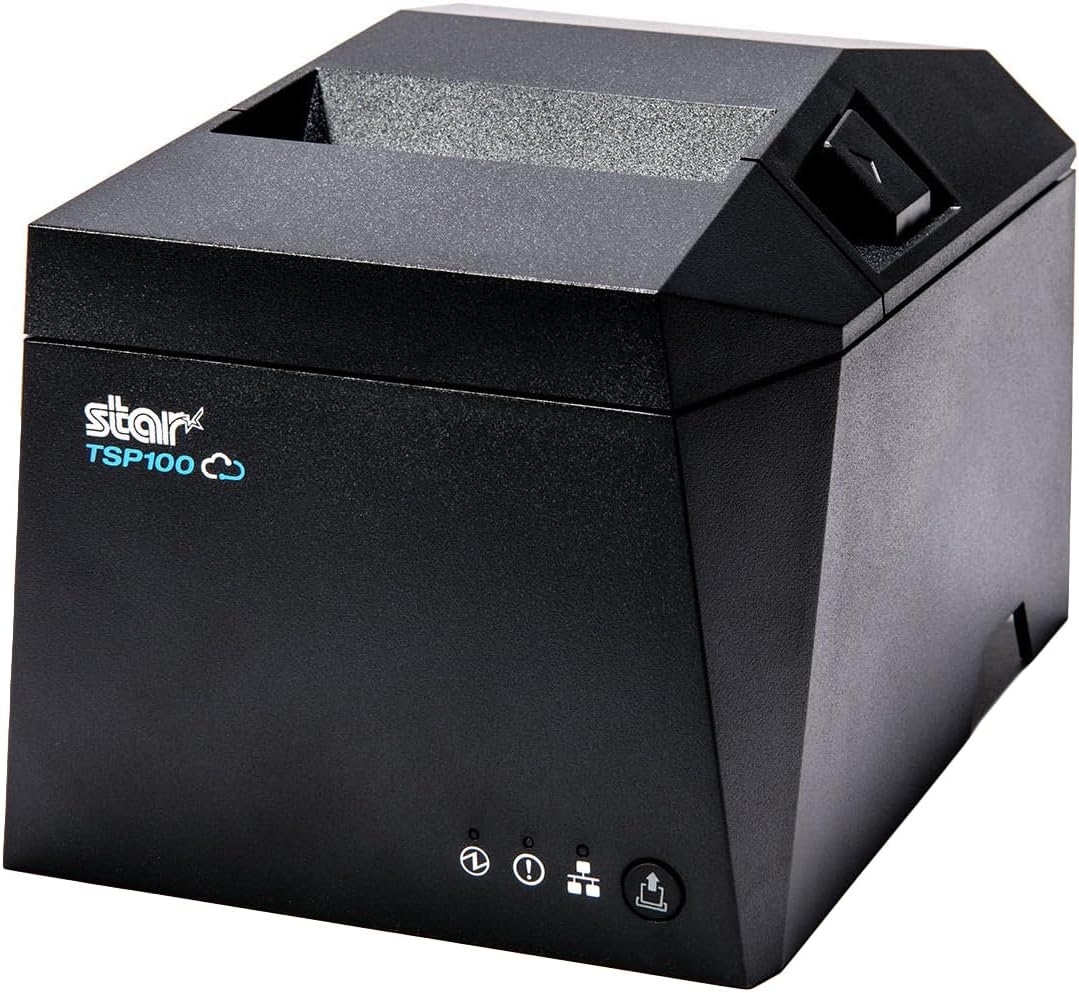
Star Micronics · TSP143IVUE
USB and Ethernet, CloudPRNT, auto-cutter. The wired workhorse when the register sits next to the router.
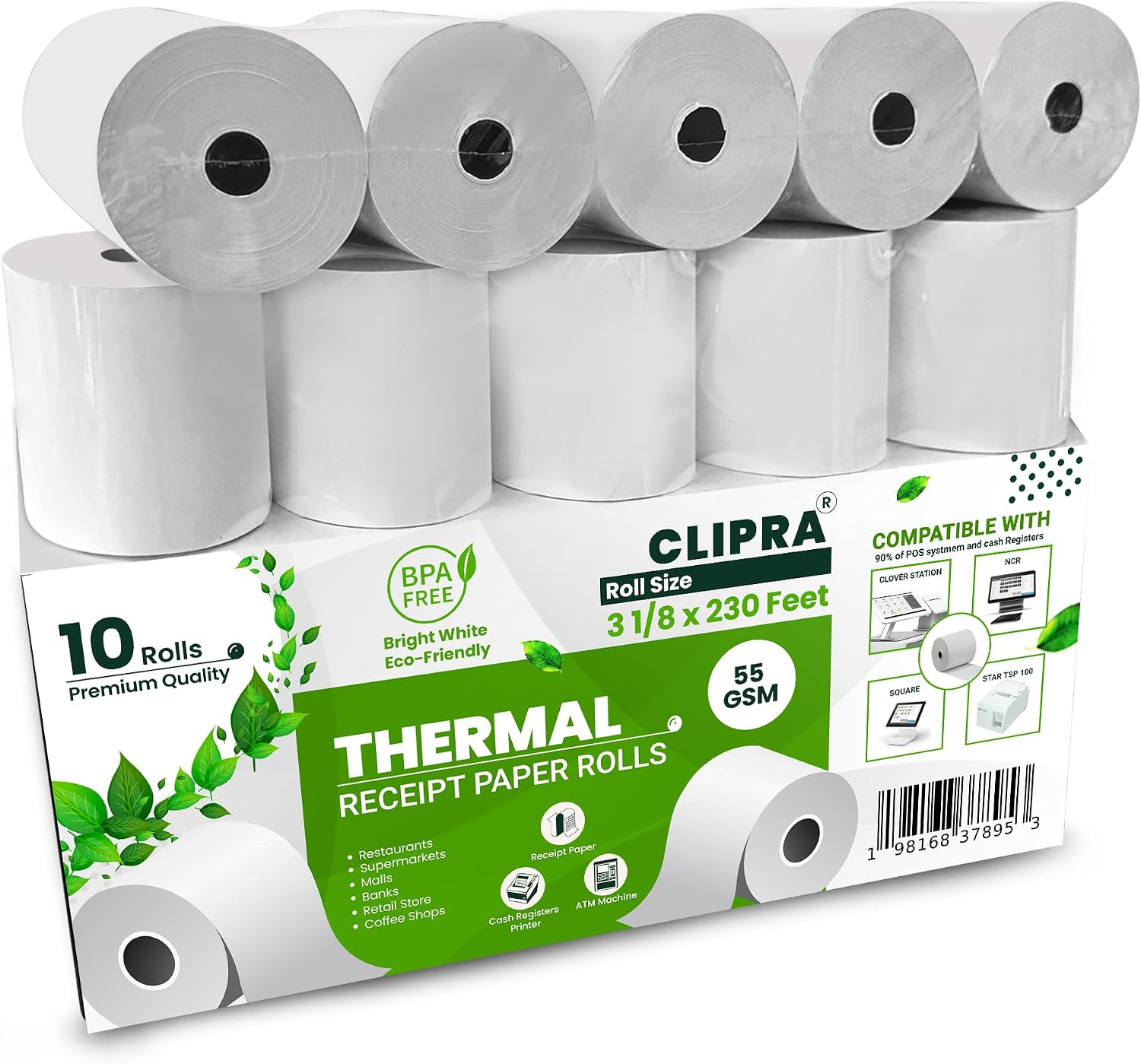
CLIPRA
Standard 3 1/8" BPA-free thermal rolls that fit every receipt printer we recommend. The reorder most stores are actually here for.
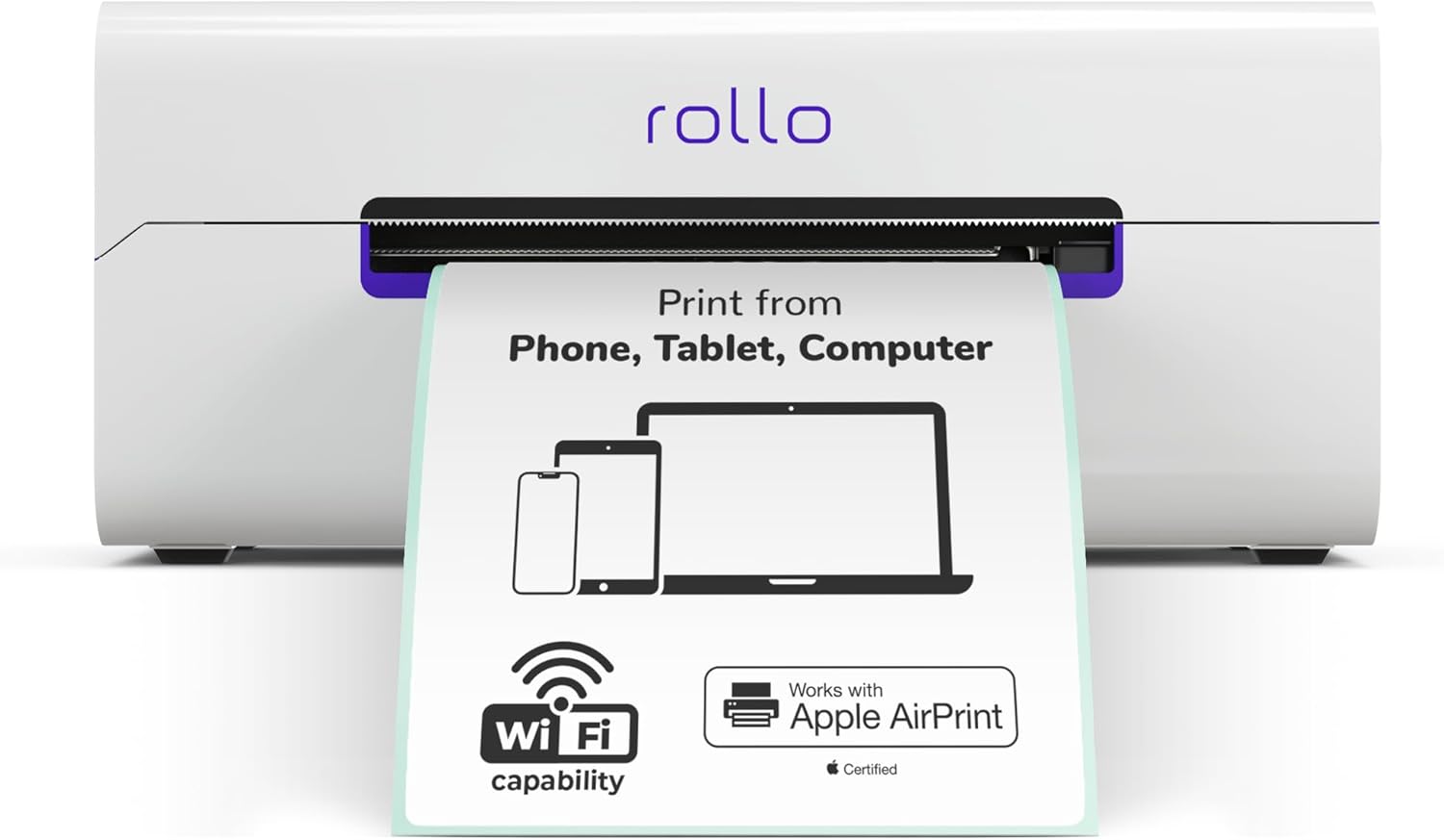
Rollo · Wireless (Wi-Fi)
Wi-Fi 4x6 thermal printer — prints from any device on the network, no cable to the register.
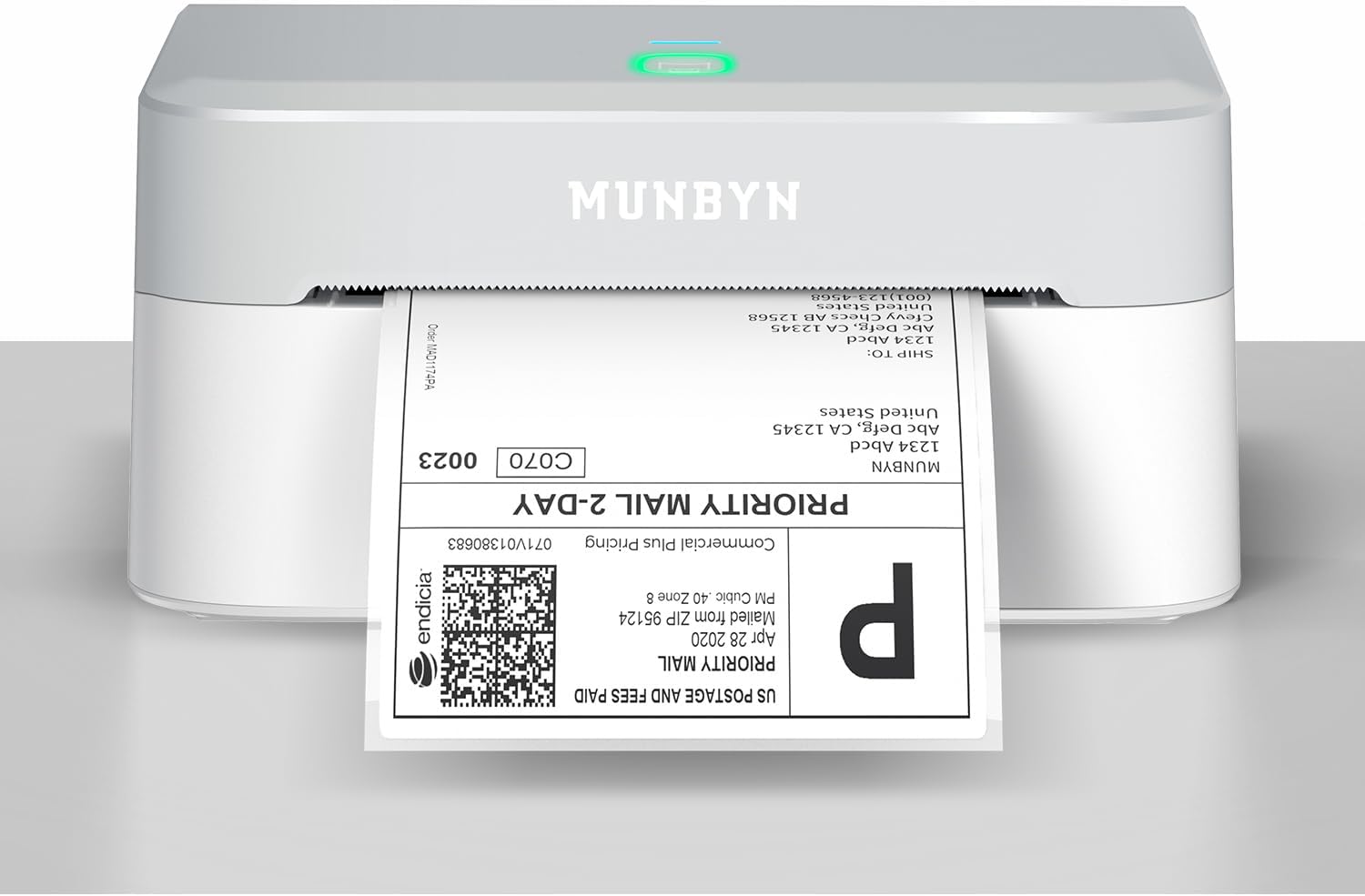
MUNBYN
Wireless 4x6 thermal label printer — the cheapest way to print Vinty tags from an iPad. Prints through MUNBYN's free app.
A quarter the price of a Wi-Fi label printer, with one trade-off worth knowing up front. It connects over Bluetooth, and Apple's AirPrint only finds printers on Wi-Fi — so instead of printing straight from Vinty, you tap Share and send the tags to MUNBYN's free app, then tap Batch Print. Two extra taps per batch once you add the app to your share-sheet favorites. Tags come out identical to any other printer. Set the label size in the MUNBYN app to a custom 2" x 1" — it ships set to 2.1" and that small difference clips the price off the edge. See the help article for the full setup. Prints from a Mac or PC with MUNBYN's driver too, with no second app involved.
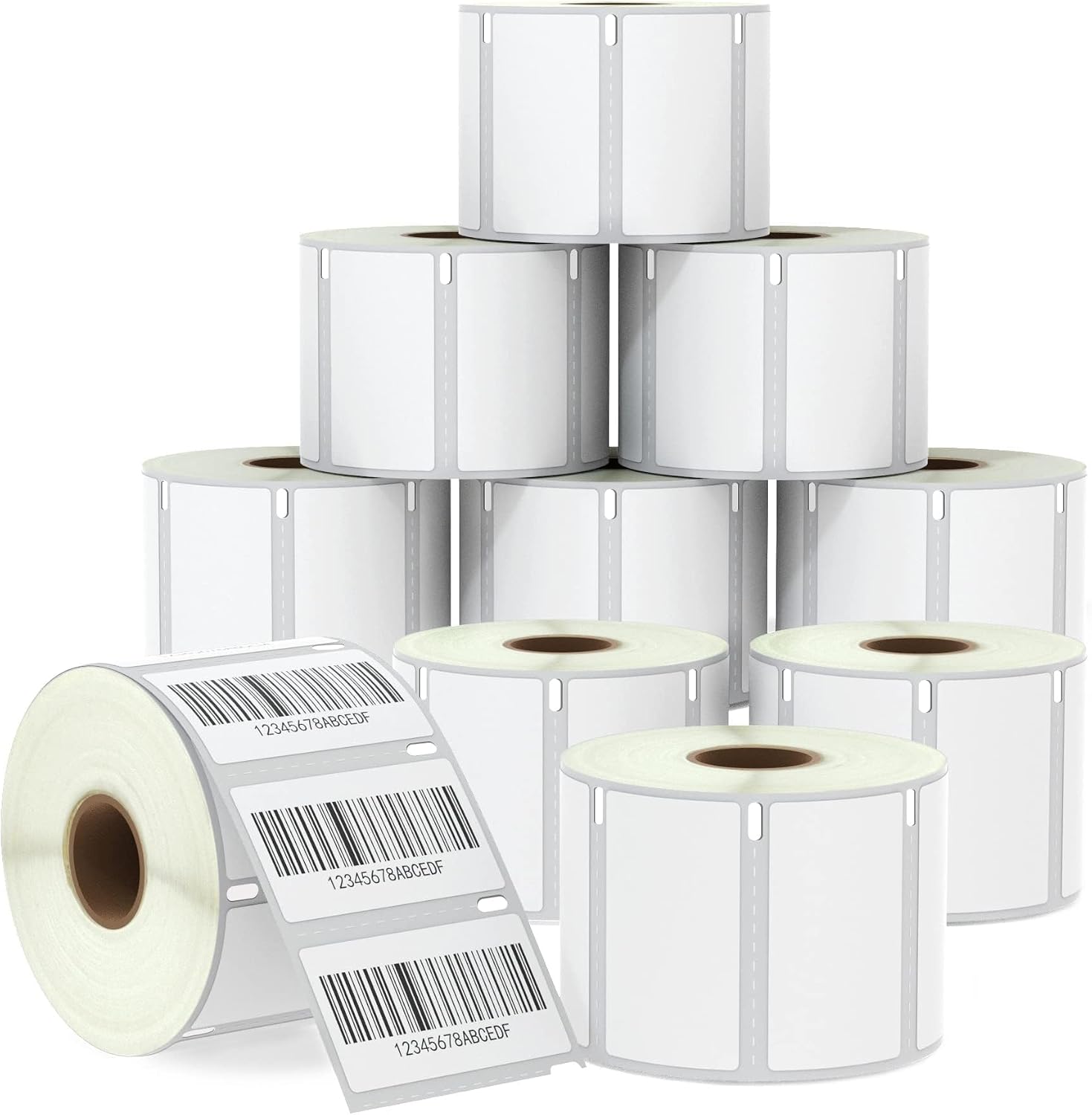
BETCKEY · DYMO 30334 compatible
DYMO 30334-compatible barcode labels, 10,000 to a box. Fits LabelWriter 450, 4XL, Rollo, and Zebra — not the 550 or 5XL.
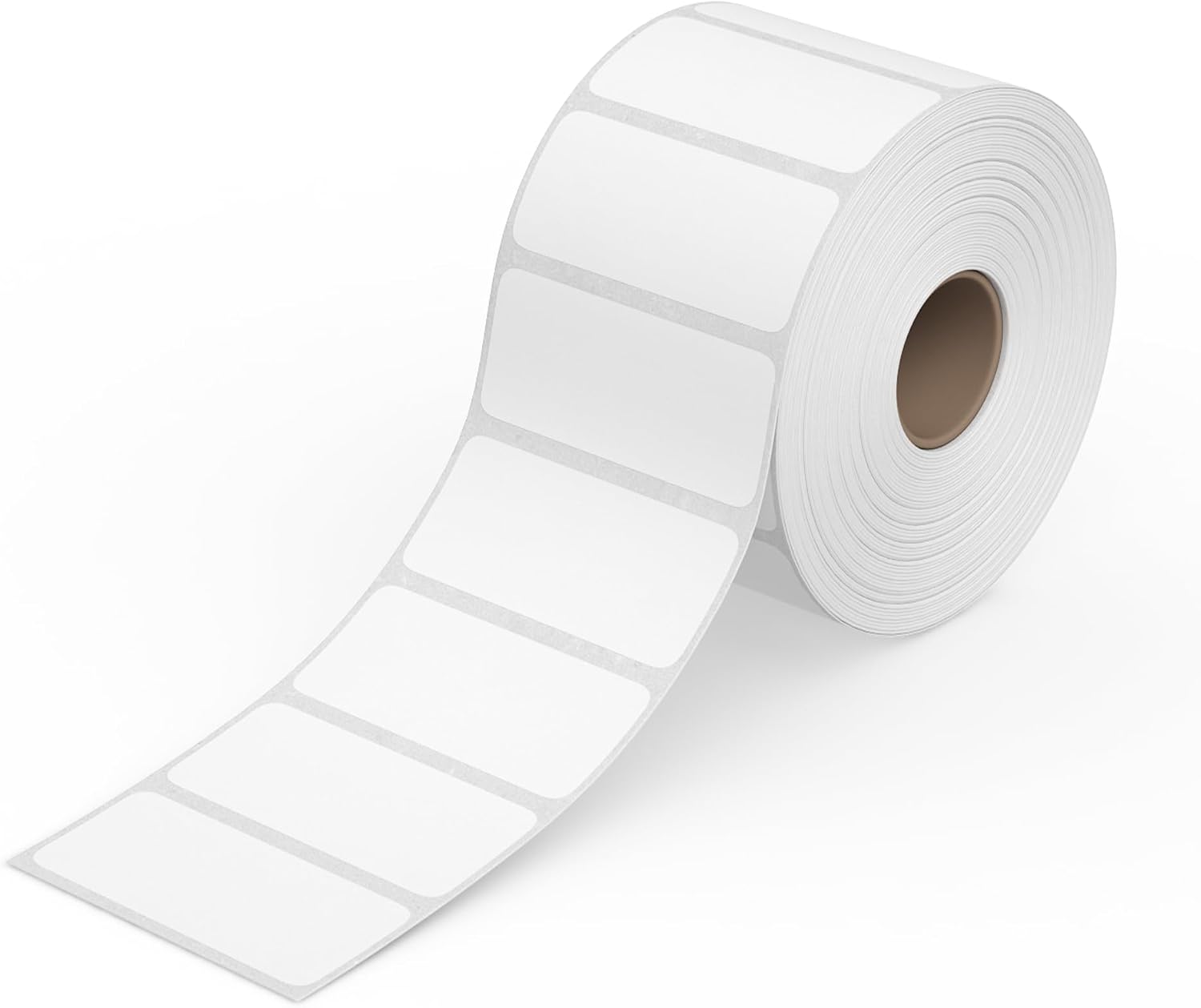
Rollo · 2" x 1" — 1,000 per roll
A thousand direct-thermal barcode labels per roll — the everyday price-tag size. Made for Rollo printers, and works with Zebra, MUNBYN, and most other direct thermal printers.
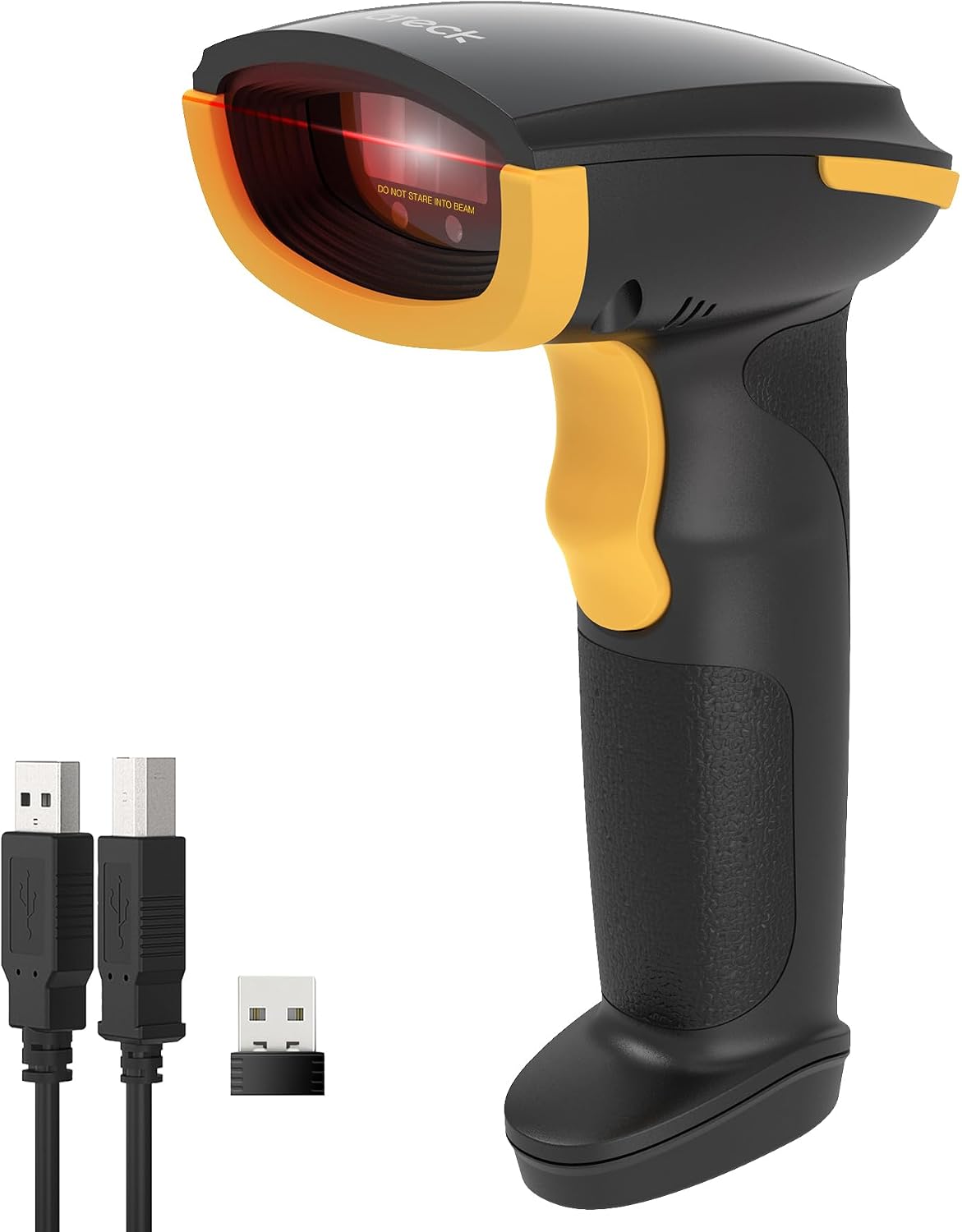
Inateck · BCST-21
Bluetooth / 2.4G / USB 1D laser scanner — months per charge
Handheld 1D laser scanner with three ways to connect: Bluetooth (iPad, phone), the included 2.4G USB dongle (desktop), or plugged in by cable. Reads Vinty's Code 128 tags quickly, including worn or curled labels. 2000 mAh battery rated for about three months of normal use.
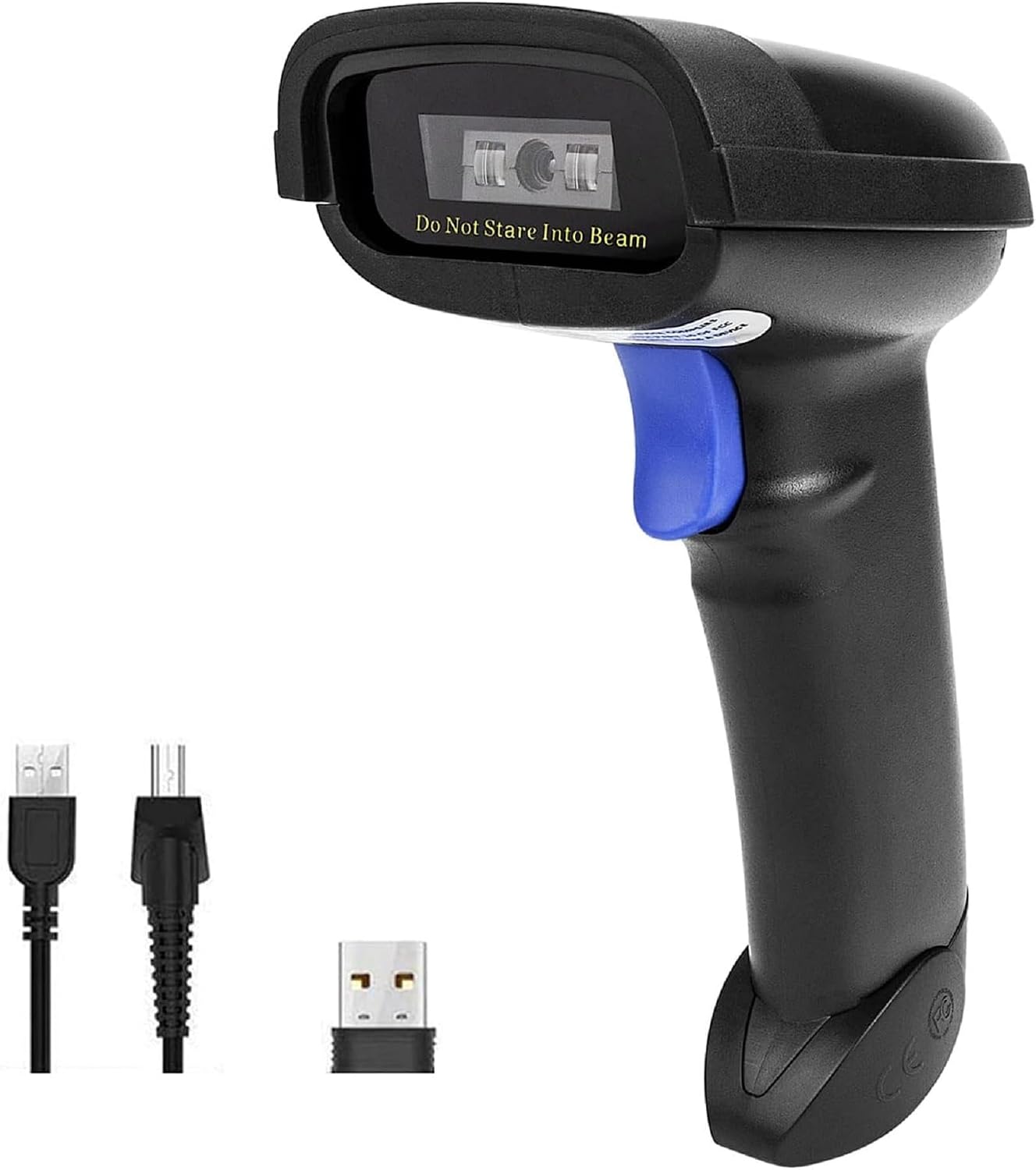
NETUM · NT-1228BC
Bluetooth / 2.4G / USB 1D CCD scanner — reads tags from screens too
Handheld 1D CCD scanner with Bluetooth, 2.4G dongle and wired USB modes. CCD imaging reads printed tags and barcodes shown on a phone or screen, and scans through plastic sleeves. 2600 mAh battery; auto-sense and continuous scan modes for hands-free use in a stand.
Vinty runs in a browser, so the register can be almost anything — Windows, Mac, or a tablet, touchscreen or not. Touch is quicker at a busy counter; a mouse and keyboard cost less and ring up just as fast. These are what we'd buy today, but if you already own something that works, use it.
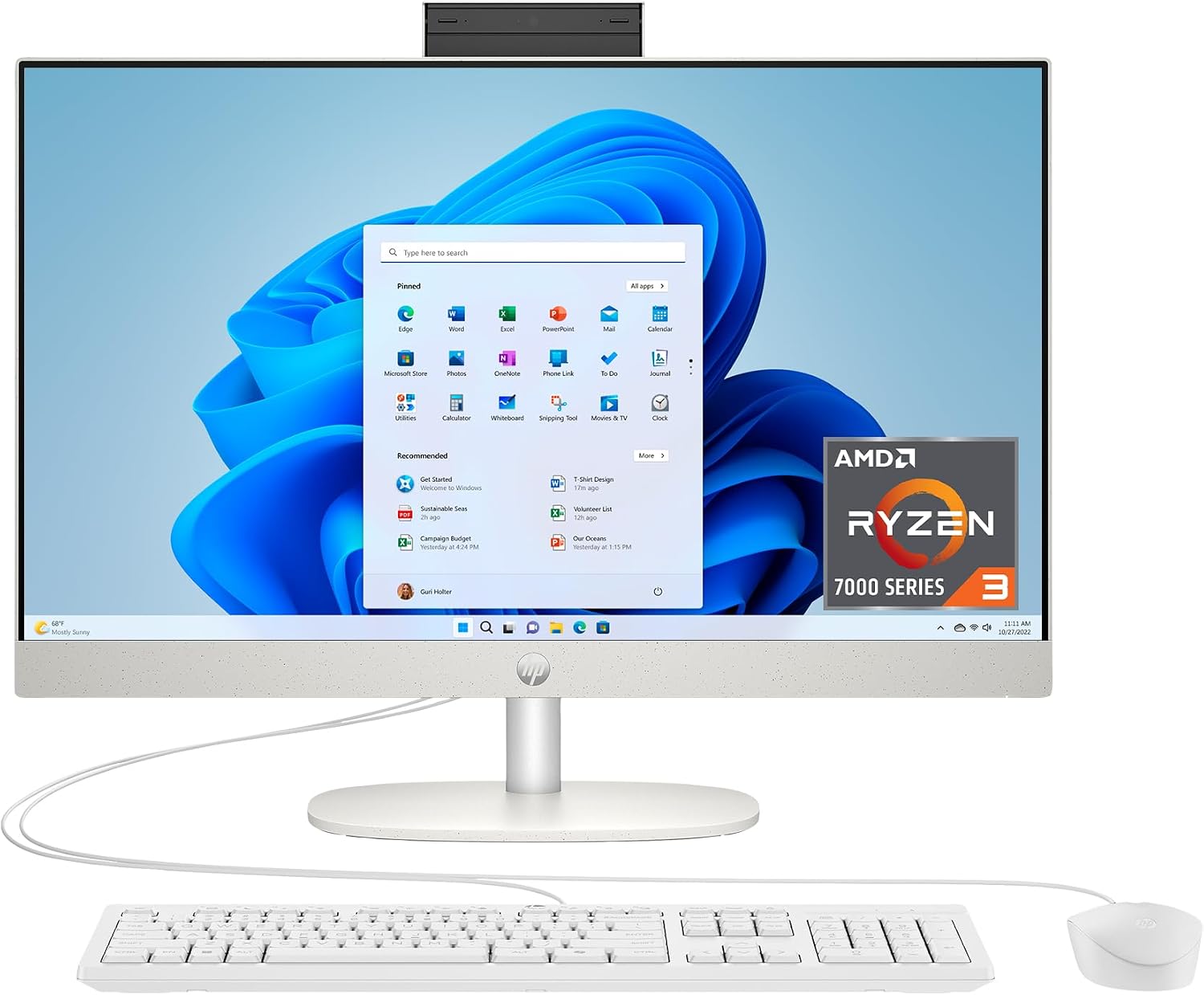
HP · 24-cr0420
The consumer all-in-one we keep coming back to for the register. 23.8" touchscreen, Ryzen 3, 8 GB, 256 GB SSD, Windows 11 — one plug, no tower under the counter.
Vinty runs in a browser, so the register just needs a solid touchscreen and a network connection. This is the machine we have had the best results with at this price: the touch panel is responsive enough for a full day of ringing, the footprint is a single stand instead of a tower and monitor, and the screen is big enough to keep the cart and the item list visible at once. It is consumer hardware, not a sealed commercial POS terminal — which is exactly why it costs what it does, and why we would still put a commercial receipt printer next to it.
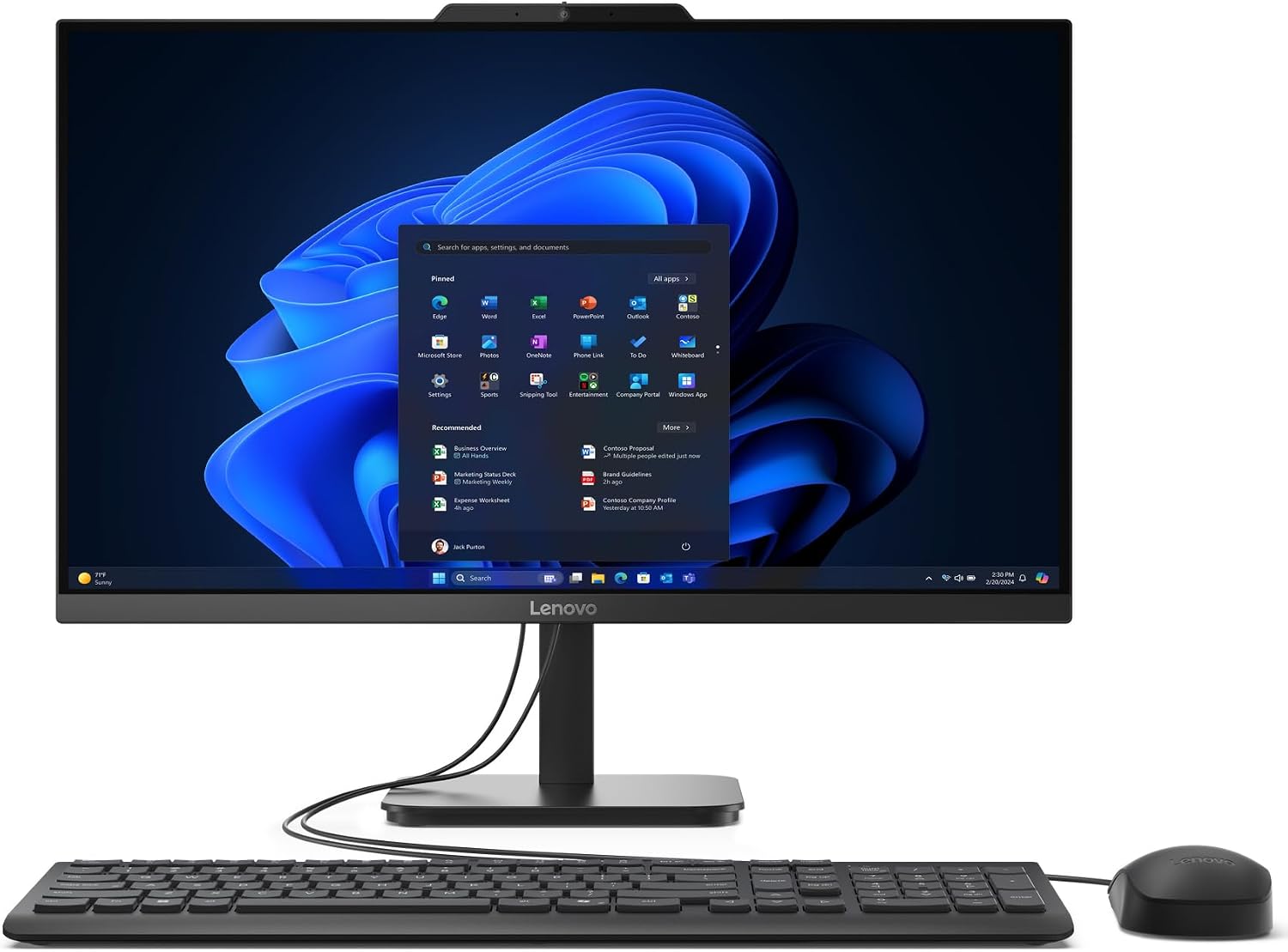
Lenovo · V100 23.8"
Same 23.8" screen and one-plug footprint, no touch panel — and about $120 less. Intel N100, 8 GB, 512 GB SSD, Windows 11.
The cheaper way onto the counter when your cashiers ring with a mouse and keyboard. The N100 is an entry-level chip, which matters not at all here: Vinty runs in a browser, and a register spends its day on one page. It has a real 512 GB SSD rather than the slower eMMC-style storage some machines at this price use, and the same single-stand footprint as the touchscreen model. Vinty works the same either way — every touch target is also a click target with a keyboard path.
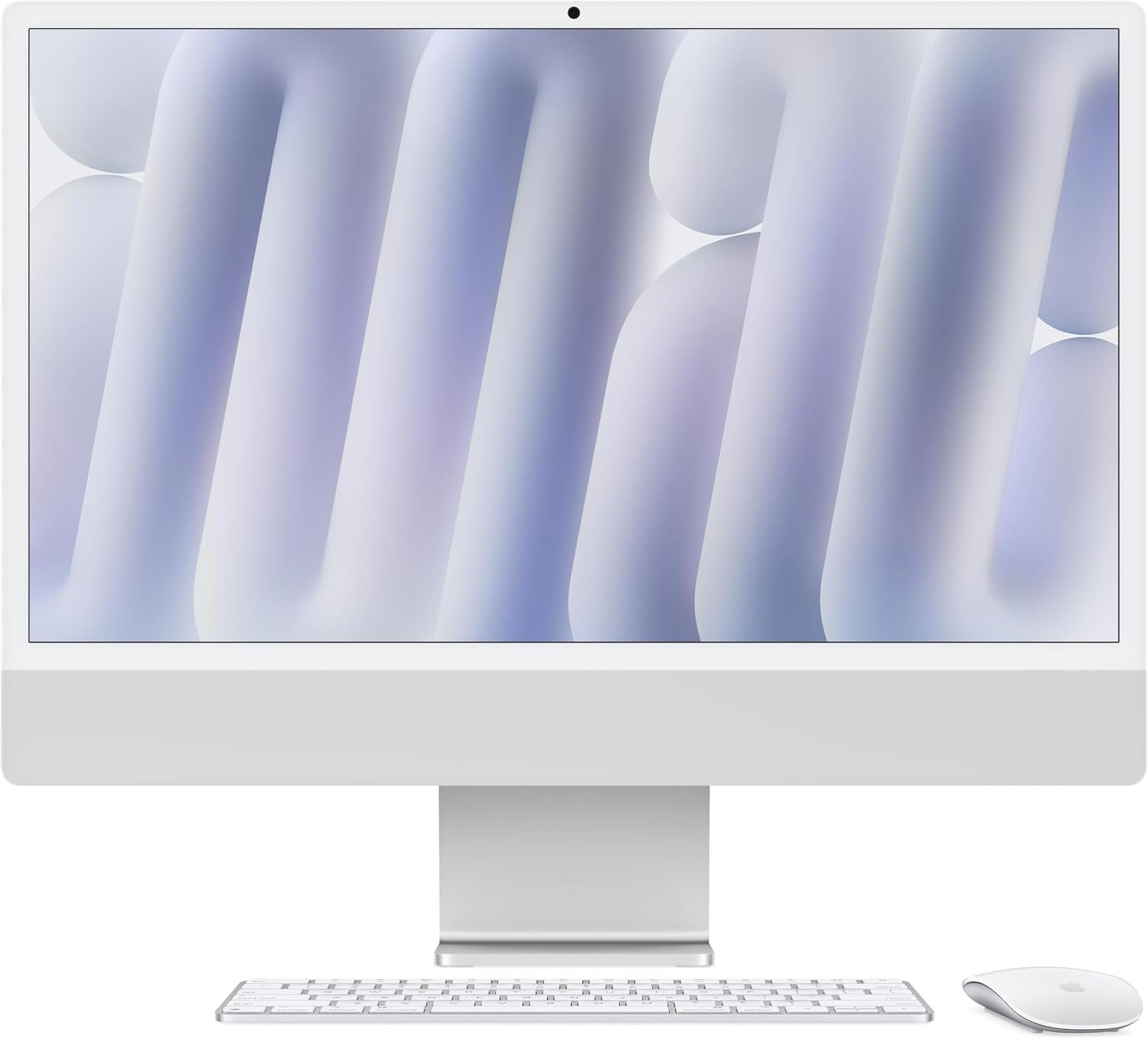
Apple · iMac 24" M4 — 16 GB / 256 GB
For counters that run on Mac. 24" Retina display, M4 chip, 16 GB, 256 GB SSD — one cable to the wall and nothing else.
Vinty runs in a browser, so a Mac is a first-class register — no Windows-only component anywhere in the app. The iMac is the tidiest counter machine of the three: a single power cable, a screen sharp enough to read a tag list across the counter, and it stays silent all day. One practical note: if you print receipts through the Vinty Print Bridge to a USB printer, use Chrome on the Mac rather than Safari — Safari blocks the local connection the bridge needs. Network printers over CloudPRNT work from any browser, Safari included.
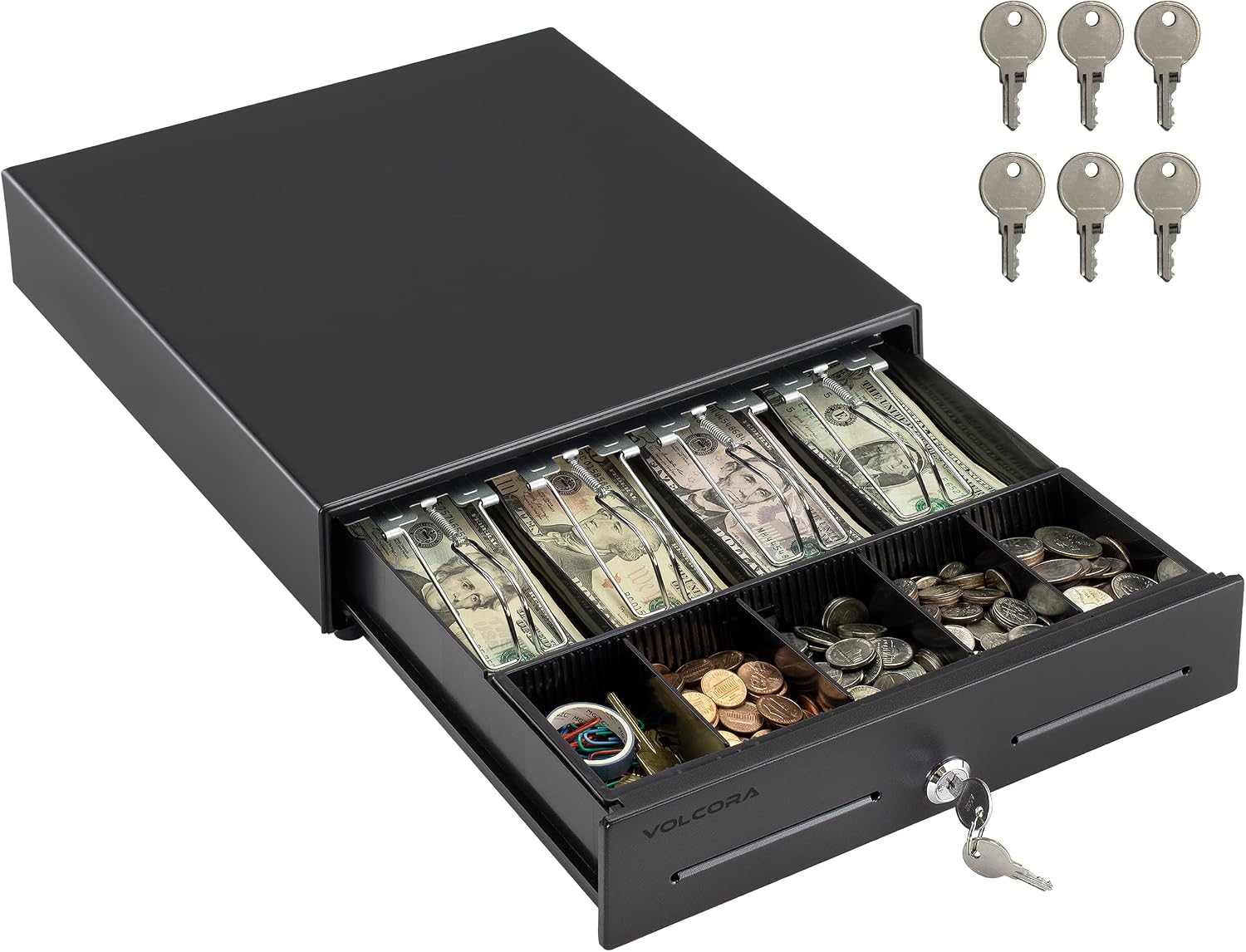
Volcora · 500022 — 4 bill / 5 coin, black
Compact 4-bill / 5-coin drawer that pops from the receipt printer
Small-footprint electronic cash drawer (13" × 13.25" × 4") with a removable coin tray and a front media slot for checks and large bills. Plugs into the receipt printer's RJ11/RJ12 drawer port and opens automatically on cash sales; 3-position key lock with 6 keys. Works with the Star and Epson printers listed here.
Send us a photo of your counter. We'll tell you what works as-is, what to replace, and what it costs — before you spend anything.
Talk to Us